Printer Reviews: Choosing the Right Printer for Home, Office, and Creative Work
Printer Reviews: Choosing the Right Printer for Home, Office, and Creative Work
A printer is one of those purchases where the hardware price tells only part of the story. Speed, consumables, paper handling, connectivity, maintenance, physical footprint, and reliability can matter more after the first few weeks. This guide focuses on those practical factors so you can choose equipment that fits the amount and type of printing you actually do.
A useful review guide should do more than repeat manufacturer specifications. It should explain what those specifications mean in daily use, where a product's strengths are most useful, what trade-offs you should expect, and which details deserve a closer look before you spend money. The goal is to help you build a shortlist that fits your needs rather than declaring a universal winner.
Match the Printer to Your Volume
The first printer question should be how much you actually print. A household that prints occasional forms has different needs from a small office producing hundreds of pages each week. High-volume users should examine duty cycle, paper handling, consumable yield, speed, and maintenance. Occasional users may be better served by a simpler, compact machine with lower upfront cost.
When reviewing options in this category, compare the feature with your budget, frequency of use, existing setup, expected ownership period, and the compromises you are willing to accept. A feature is valuable when it improves something you actually do; otherwise it can simply raise the purchase price.
Laser, Ink, and Color Needs
Laser printers can be attractive for text-heavy workloads, while inkjet and related technologies can make more sense when color, graphics, or photo output is important. The right decision depends on volume and the type of documents you produce. Do not compare printers purely by purchase price: ink or toner costs can dominate ownership over time.
When reviewing options in this category, compare the feature with your budget, frequency of use, existing setup, expected ownership period, and the compromises you are willing to accept. A feature is valuable when it improves something you actually do; otherwise it can simply raise the purchase price.
Connectivity and Workflow
Wi-Fi, Ethernet, USB, mobile printing, scanning, copying, and automatic document handling should be considered as a workflow rather than a feature checklist. If several people use the printer, networking and reliability become more important. If you print from a single computer, a simpler connection may be enough. Make sure the operating systems and applications you rely on are supported.
When reviewing options in this category, compare the feature with your budget, frequency of use, existing setup, expected ownership period, and the compromises you are willing to accept. A feature is valuable when it improves something you actually do; otherwise it can simply raise the purchase price.
Paper Handling and Physical Space
Measure the printer with trays open, not just the closed chassis. Paper capacity, output tray access, duplexing, envelope support, and specialty media compatibility can make a major difference in an office. Large-format equipment needs even more planning. A printer that technically fits but blocks a walkway or makes paper loading awkward will quickly become frustrating.
When reviewing options in this category, compare the feature with your budget, frequency of use, existing setup, expected ownership period, and the compromises you are willing to accept. A feature is valuable when it improves something you actually do; otherwise it can simply raise the purchase price.
Consumables, Service, and Total Cost
Calculate a rough cost per month before buying. Include toner or ink, maintenance kits, replacement cartridges, paper, and any accessories. For professional equipment, warranty and service arrangements can be more important than a small difference in print speed. A dependable printer that is easy to maintain often has better value than a bargain unit with expensive or inconvenient consumables.
When reviewing options in this category, compare the feature with your budget, frequency of use, existing setup, expected ownership period, and the compromises you are willing to accept. A feature is valuable when it improves something you actually do; otherwise it can simply raise the purchase price.
10 Products Worth Considering
The following products are selected directly from the supplied SearchNShop product catalog. Each is linked to its product page so you can inspect the current listing, configuration, seller information, price, and availability. Product prices can change, so the figures below should be treated as the current catalog values rather than permanent quotes.
1. HP 5SD78AAKY DeskJet Plus Ink Advantage 6475 All-in-One Printer
HP 5SD78AAKY DeskJet Plus Ink Advantage 6475 All-in-One Printer — listed at $ 97.49, this option is most relevant to home multifunction printing. Check page yield, paper handling, connection methods, physical footprint, and consumable availability before treating the listed price as the total cost.
2. HP LaserJet M209d Printer
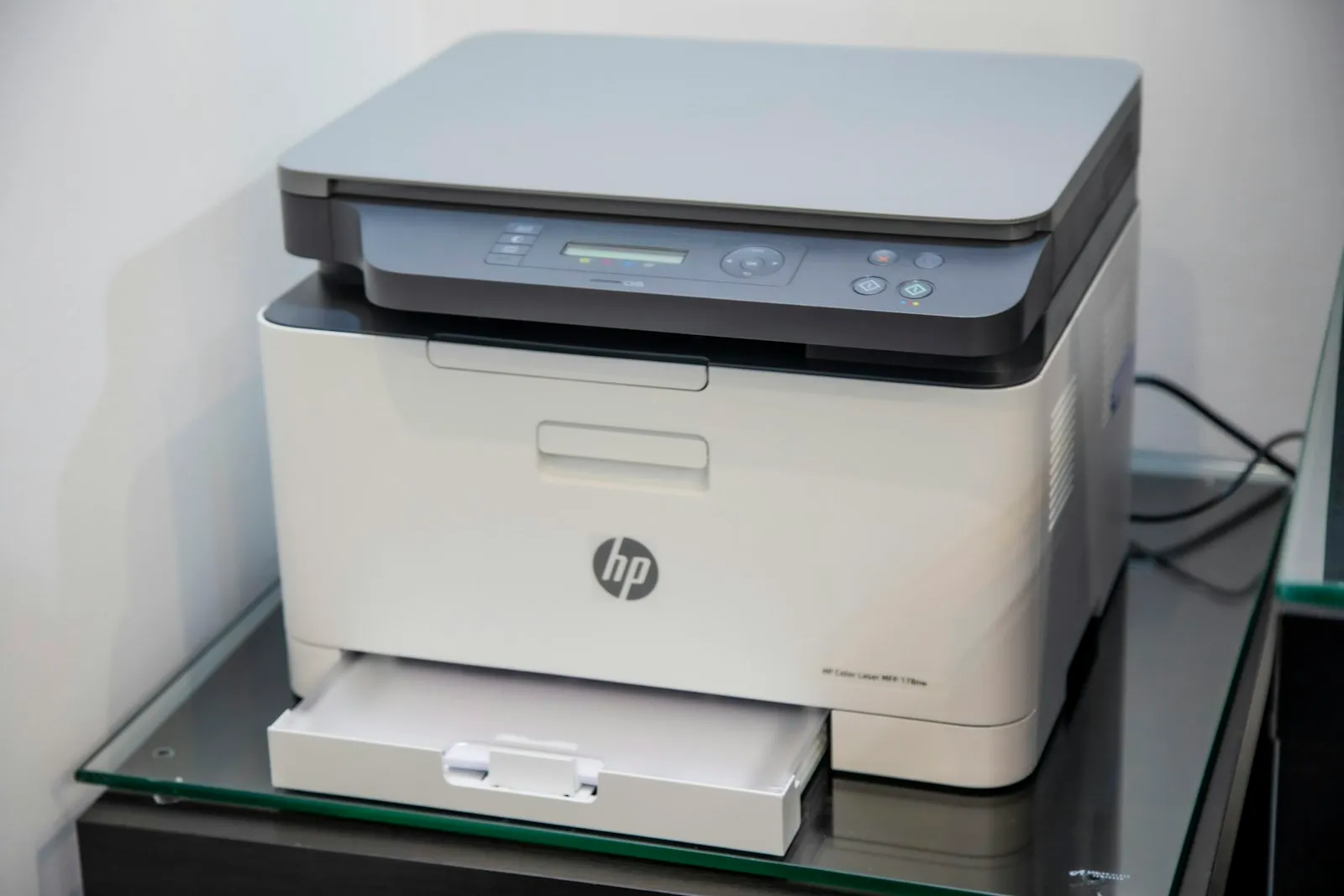
HP LaserJet M209d Printer — listed at $ 159.00, this option is most relevant to compact everyday documents. Check page yield, paper handling, connection methods, physical footprint, and consumable availability before treating the listed price as the total cost.
3. HP LaserJet Enterprise MFP M725z Printer
HP LaserJet Enterprise MFP M725z Printer — listed at $ 7029.00, this option is most relevant to high-volume business printing. Check page yield, paper handling, connection methods, physical footprint, and consumable availability before treating the listed price as the total cost.
4. HP Color LaserJet Professional CP5225dn Printer
HP Color LaserJet Professional CP5225dn Printer — listed at $ 2139.00, this option is most relevant to color office production. Check page yield, paper handling, connection methods, physical footprint, and consumable availability before treating the listed price as the total cost.
5. Xerox C410 Color Laser Printer
Xerox C410 Color Laser Printer — listed at $ 799.00, this option is most relevant to reliable color printing. Check page yield, paper handling, connection methods, physical footprint, and consumable availability before treating the listed price as the total cost.
6. HP DesignJet T850 Large Format 36" Plotter Printer - Fast, High-Quality CAD & Poster Printer for easy multi-size printing
HP DesignJet T850 Large Format 36" Plotter Printer - Fast, High-Quality CAD & Poster Printer for easy multi-size printing — listed at $ 3679.00, this option is most relevant to large-format CAD and poster work. Check page yield, paper handling, connection methods, physical footprint, and consumable availability before treating the listed price as the total cost.
7. HP LaserJet M209dw Printer
HP LaserJet M209dw Printer — listed at $ 199.00, this option is most relevant to compact home-office printing. Check page yield, paper handling, connection methods, physical footprint, and consumable availability before treating the listed price as the total cost.
8. Canon CL-241 Ink Cartridge
Canon CL-241 Ink Cartridge — listed at $ 29.99, this option is most relevant to replacement ink supply. Check page yield, paper handling, connection methods, physical footprint, and consumable availability before treating the listed price as the total cost.
9. C2G 6in USB Extension Cable - USB 2.0 to USB - M/F
C2G 6in USB Extension Cable - USB 2.0 to USB - M/F — listed at $ 10.99, this option is most relevant to USB connectivity. Check page yield, paper handling, connection methods, physical footprint, and consumable availability before treating the listed price as the total cost.
10. Scotch 1.88 in x 800 in Heavy Duty Shipping Packaging Tape
Scotch 1.88 in x 800 in Heavy Duty Shipping Packaging Tape — listed at $ 4.29, this option is most relevant to packing and shipping workflow. Check page yield, paper handling, connection methods, physical footprint, and consumable availability before treating the listed price as the total cost.
Feature Matrix
ProductBest suited forPricePrimary factorValue checkHP 5SD78AAKY DeskJet Plus Ink Advantage 6475 All-in-One Printerhome office$ 97.49running costcompare total costHP LaserJet M209d Printersmall office$ 159.00capacitymeasure spaceHP LaserJet Enterprise MFP M725z Printerhigh volume$ 7029.00duty cyclecheck serviceHP Color LaserJet Professional CP5225dn Printercolor production$ 2139.00toner/inkverify compatibilityXerox C410 Color Laser Printercolor office$ 799.00paper handlingcheck included partsHP DesignJet T850 Large Format 36" Plotter Printer - Fast, High-Quality CAD & Poster Printer for easy multi-size printinglarge format$ 3679.00footprintplan storageHP LaserJet M209dw Printercompact home$ 199.00consumablesinspect materialsCanon CL-241 Ink Cartridgeconsumables$ 29.99compatibilitycheck warrantyC2G 6in USB Extension Cable - USB 2.0 to USB - M/Fconnectivity$ 10.99connectionconfirm connectionScotch 1.88 in x 800 in Heavy Duty Shipping Packaging Tapepacking$ 4.29accessoriescheck accessories
Pros & Cons: How to Evaluate the Shortlist
Pros: a category-focused shortlist makes it easier to compare products on the features that affect real use; linking each option to its actual product page keeps the decision grounded in current specifications; and a feature matrix helps prevent one attractive specification from dominating the whole purchase.
Cons: product prices and availability can change; catalog descriptions do not capture every aspect of hands-on performance; and the best option can vary significantly with personal preferences, room dimensions, workload, fit, or existing equipment.
Common Buying Mistakes
These are the ten mistakes most likely to turn an otherwise reasonable purchase into an expensive compromise:
- Choosing from the headline specification instead of the actual use case.
- Assuming the most expensive option is automatically the best value.
- Ignoring dimensions, weight, fit, or the space available at home.
- Forgetting compatibility with devices, accessories, power standards, or existing equipment.
- Comparing only the purchase price and ignoring consumables, maintenance, accessories, or replacement costs.
- Buying more capacity or performance than the routine can realistically use.
- Ignoring comfort, ergonomics, controls, or setup time because they are not prominent on the product page.
- Failing to check warranty, service, return conditions, or replacement-part availability.
- Adding features that sound impressive but do not solve a recurring problem.
- Not verifying the current product listing, configuration, availability, and included accessories before checkout.
Practical Buying Strategy
Start by writing down three things you cannot compromise on and three things you are willing to trade away. Then set a realistic budget range instead of a single maximum number. Compare at least three products against the same criteria, and check the physical dimensions or compatibility requirements before you order. Finally, review the product page again at checkout. This last step matters because configurations, included accessories, seller information, and prices can change.
How to Use the Feature Matrix
Use the matrix as a filtering tool, not as a scorecard where every row has equal importance. If one specification is critical to your routine, give it more weight. For example, a frequent traveler should prioritize portability and battery behavior over maximum performance, while a professional office may care more about reliability, connectivity, service, and total operating cost. The same logic applies across every category.
Who Should Spend More?
Spending more makes sense when the additional cost removes a problem you will encounter repeatedly. That might mean better ergonomics, higher capacity, easier maintenance, more useful connectivity, better materials, or a configuration that will remain adequate for several years. Spending more simply to own the highest specification is harder to justify. If the cheaper option already satisfies your non-negotiables, keeping the difference in your budget can be the smarter decision.
Final Checklist
Before buying, confirm your main use case, must-have features, acceptable budget, physical constraints, compatibility requirements, expected frequency of use, maintenance needs, warranty or return conditions, and the accessories you already own. Open the linked product listing and verify the latest configuration, price, availability, and what is included. If a product fails one of your non-negotiables, remove it from the shortlist even if another specification looks attractive.
The best purchase is rarely the product with the longest specification list. It is the one that fits your routine with the fewest compromises and continues to feel useful after the excitement of the purchase has passed.